Enable the SMS chat app in Webex Control Hub for users with the following steps.
- Open Webex Control Hub.
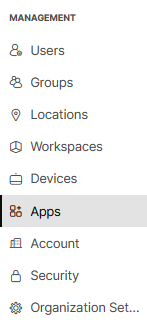
- Click on Apps in the left-side column.
- Select the Embedded Apps tab.

- Select Clerk Chat.

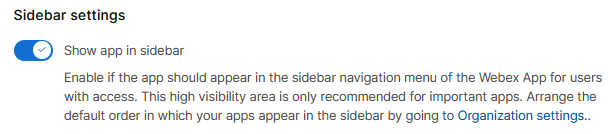
- Scroll down to “Sidebar Settings” and enable “Show app in sidebar”.
- Click Save.
Confirm Sidebar Manager is Enabled
Enabling the Sidebar Manager allows users to make the chat app more conveniently available.
- Open Webex Control Hub.
- Click on Organization Settings.
- Scroll down to the “Webex sidebar customization” section and click Customize the default view.

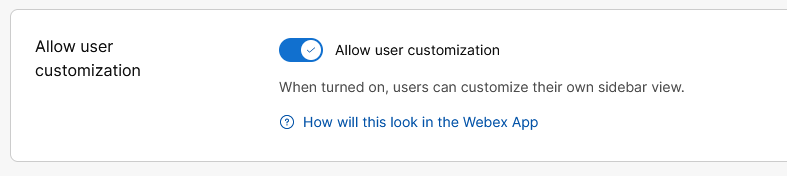
- Scroll down to “Allow User Customization” and make sure “All user customization” is enabled.